Skip to content
AT-01 · Software · Document utility In development

PindaiKu

Scan, clean up, and organize documents on your phone.

PindaiKu is a mobile app for scanning paper documents, turning photos into PDFs, and keeping your files in order. Your documents stay on your device, and every tool is free to use.

Not available to download yet.

Type
Software · Document utility
Platform
Android
Languages
English, Bahasa Indonesia
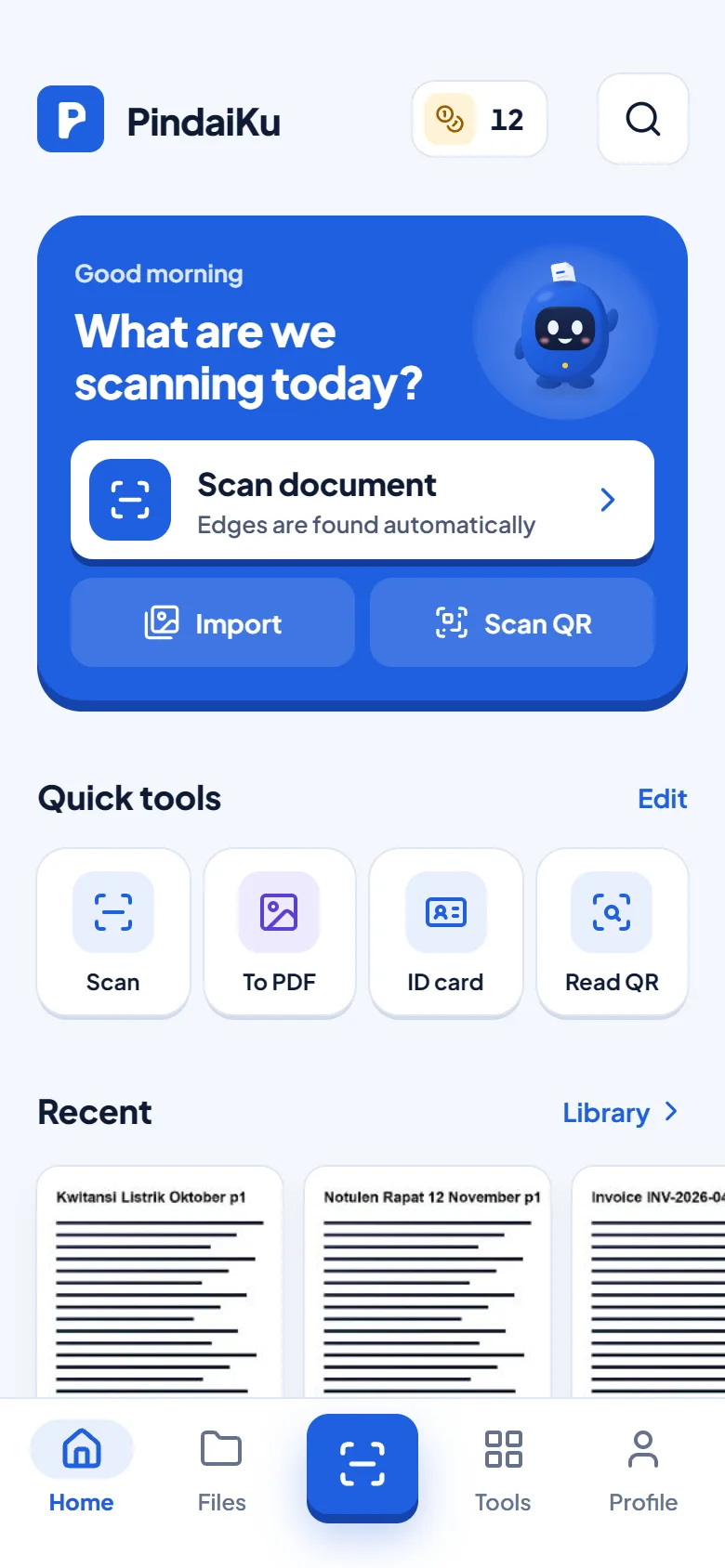
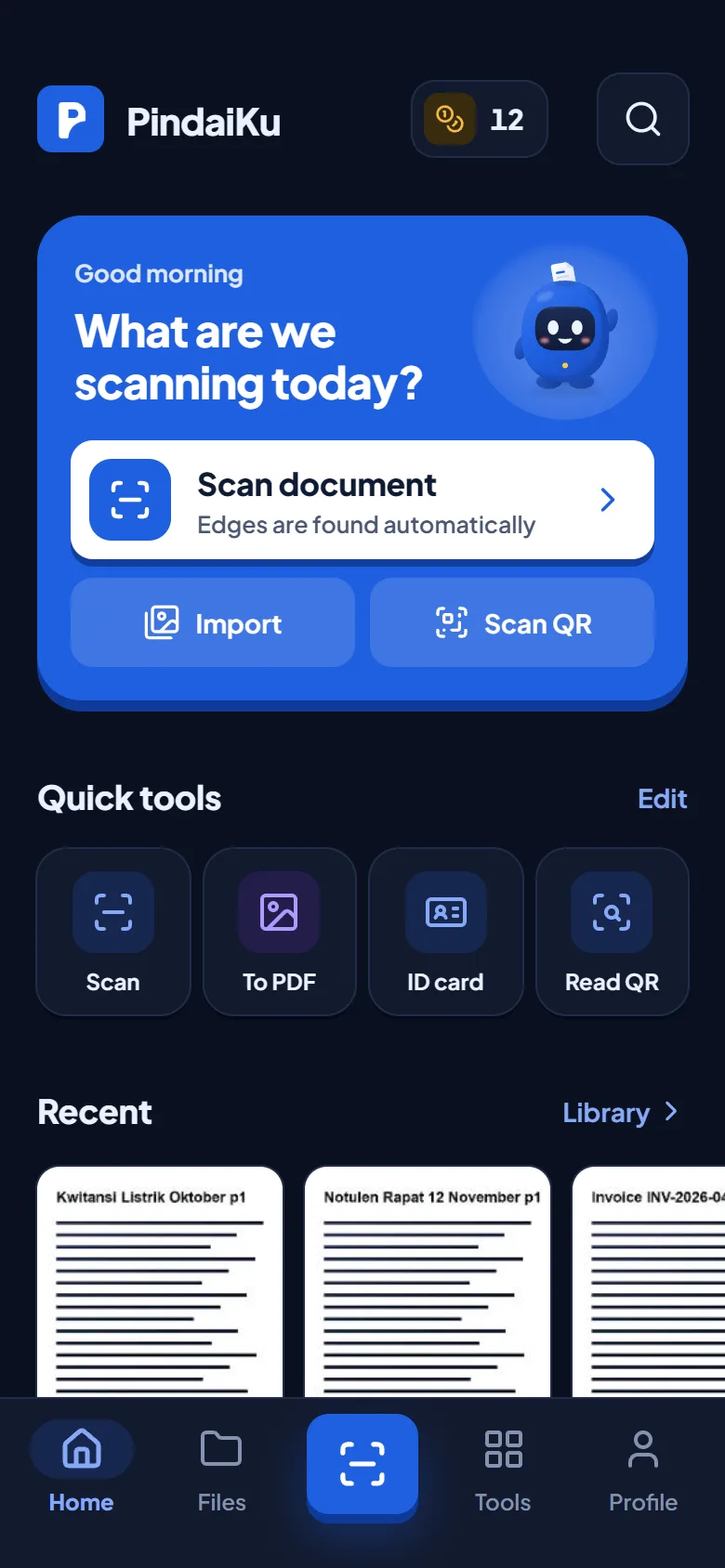
PindaiKu home screen with a Scan document button, quick tools, and recent files
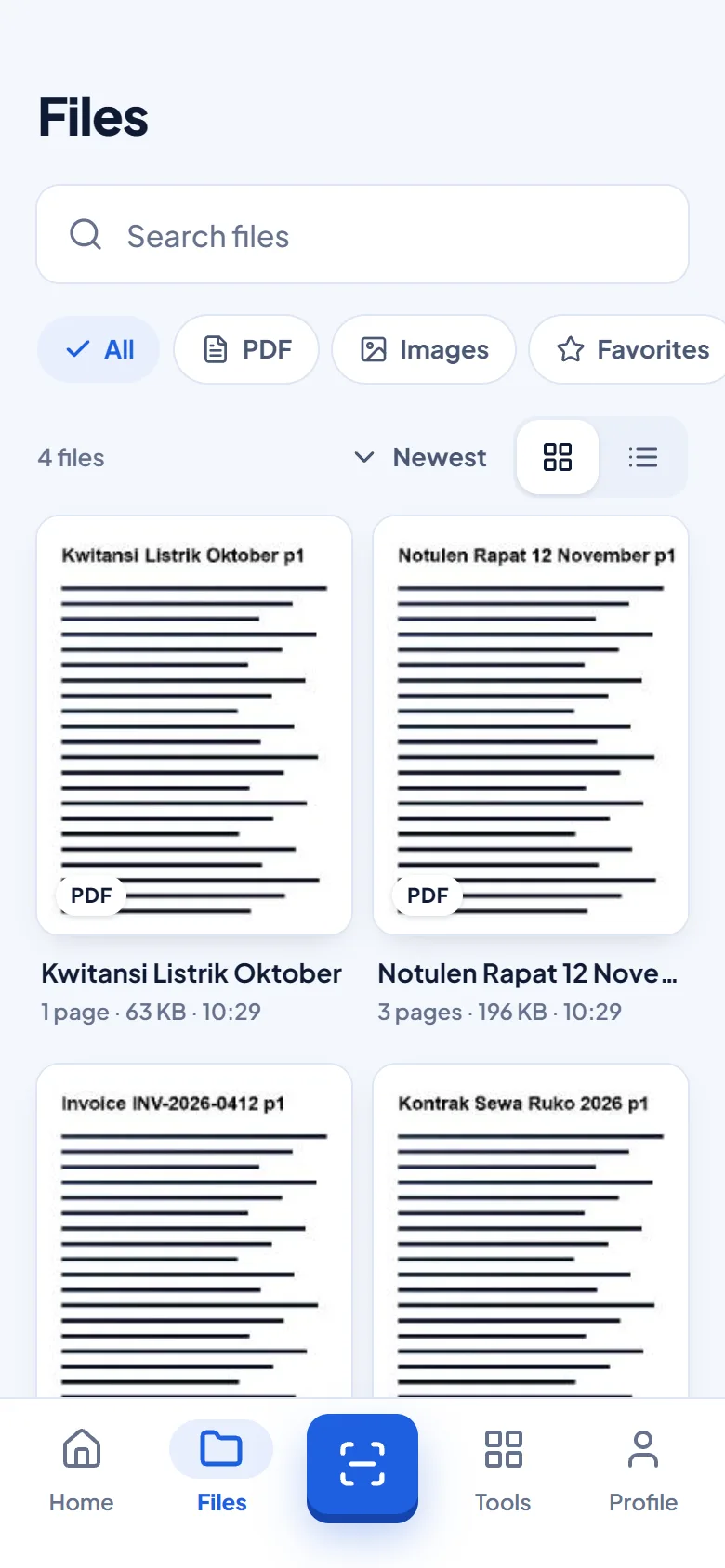
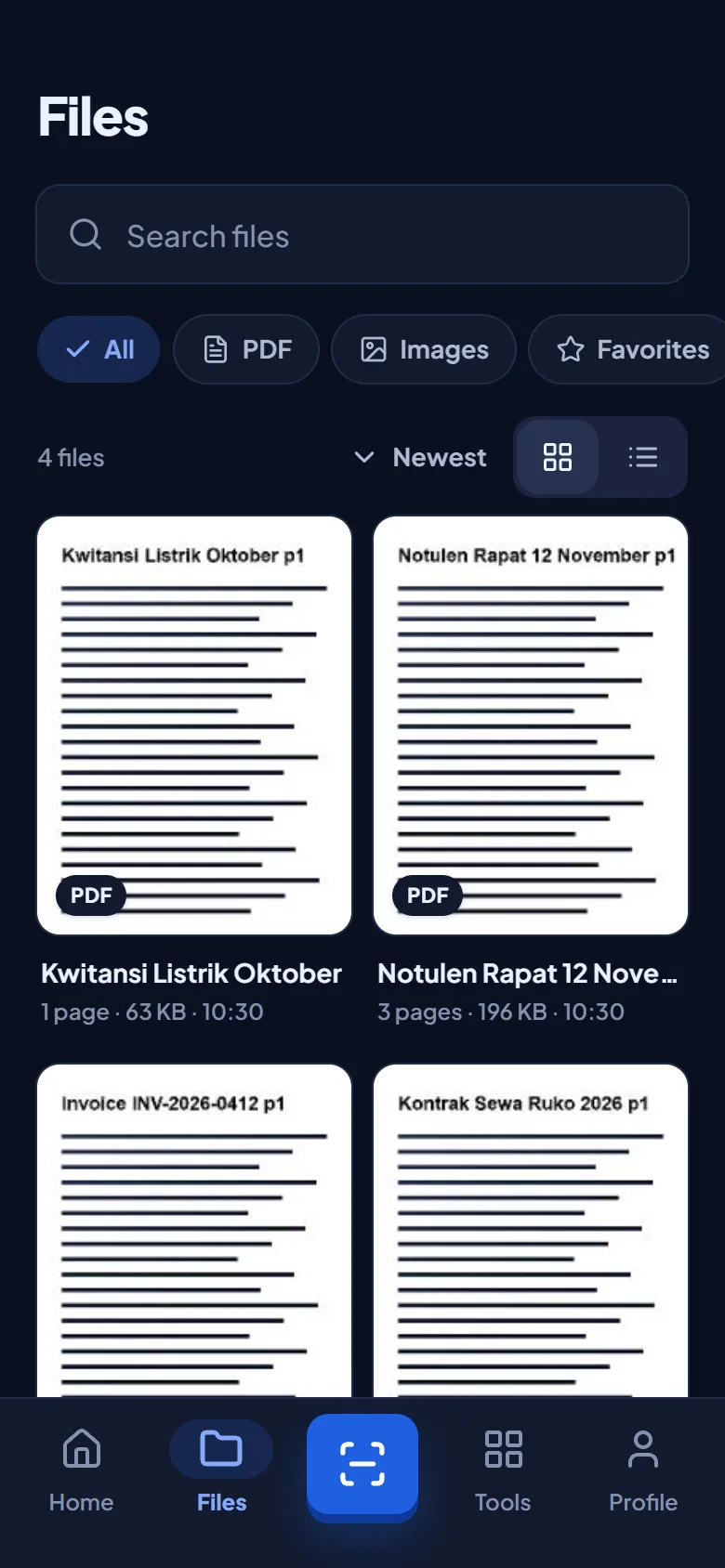
PindaiKu files screen showing scanned documents in a grid with search and filters

Screens

Captured from PindaiKu.

  • PindaiKu home screen with a Scan document button, quick tools, and recent files
    Home
  • PindaiKu files screen showing scanned documents in a grid with search and filters
    Files
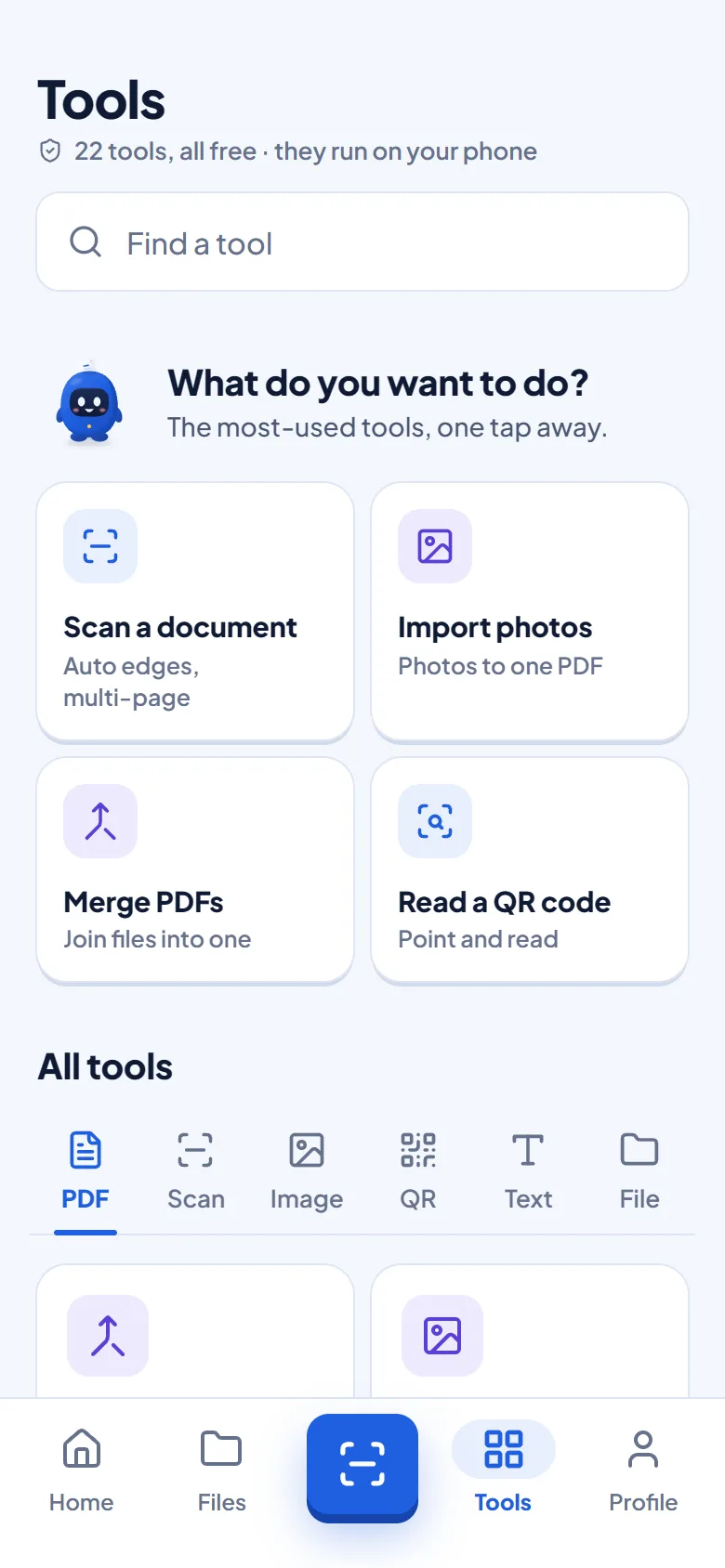
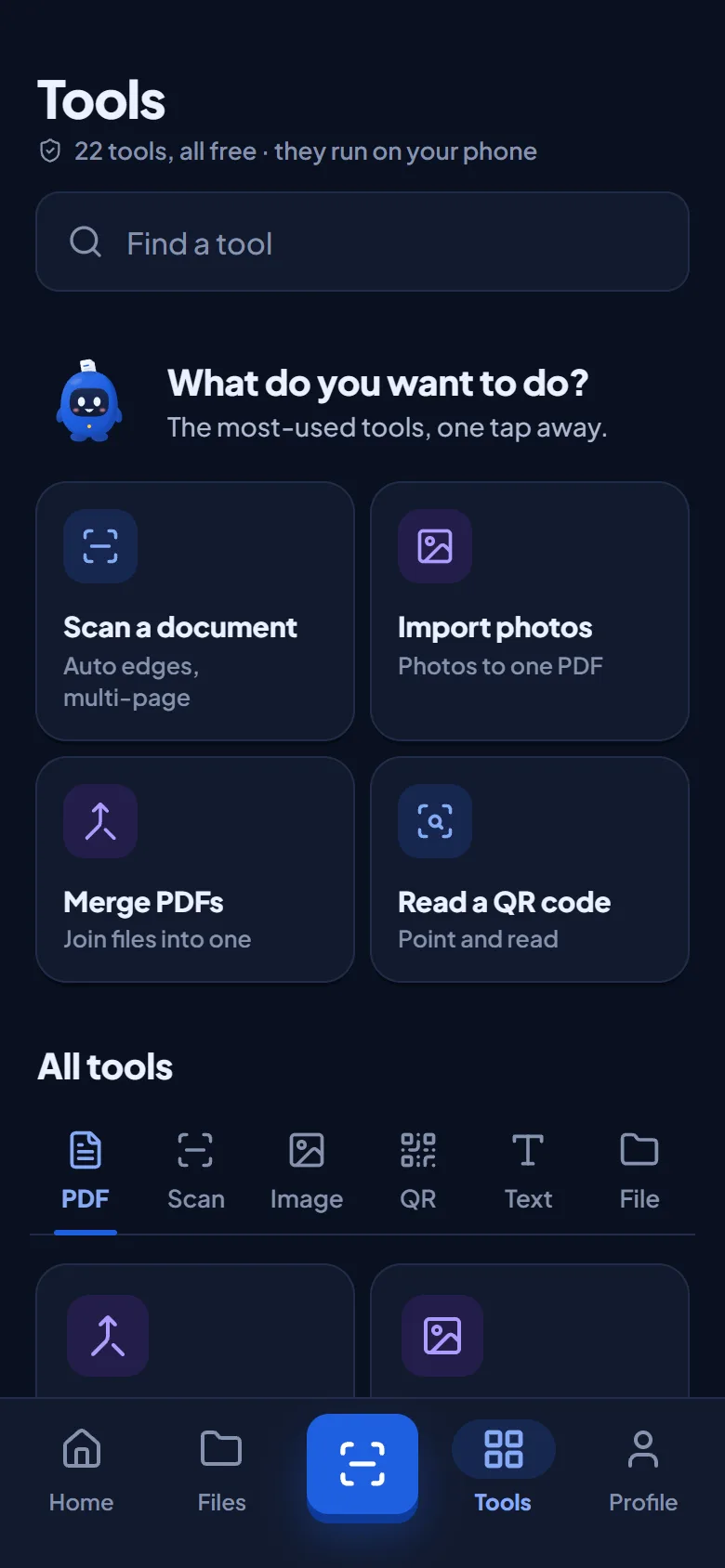
  • PindaiKu tools screen with shortcuts for scanning, importing photos, merging PDFs, and reading QR codes
    Tools

Features

What PindaiKu does today.

Scanning

Point the camera at a page. PindaiKu finds the edges and crops it for you.

  • Automatic edge detection, with a manual capture mode
  • Multi-page documents in one session
  • ID card mode puts both sides on one page
  • Batch mode for long stacks of paper
  • Import photos from your gallery

Clean-up

Make a phone photo read like a scan.

  • Looks for Auto, Magic, No shadow, B&W, Gray, and Ultra HD
  • Shadow, whiten, and sharpen corrections with adjustable strength
  • Before and after comparison
  • Crop by dragging corners, or let it detect the page again

Pages and export

Fix the order and the details before you share.

  • Rotate, duplicate, delete, or extract pages into a new document
  • Save as PDF, JPG, or PNG at the quality you choose
  • Share straight to other apps

Your library

Everything you scan lands in one place on your phone.

  • Search by name
  • Filter by PDF, images, or favorites
  • Grid and list layouts

Tools

All tools are free. The app shows banner ads. Credits, earned through a daily check-in or by watching a short video, hide the banner ads for a while. Credits never unlock a tool.

Available now 6

  • Document Scanner

    Auto edges, multi-page

  • ID Card Scanner

    Both sides on one page

  • Batch Scanner

    Many pages in one go

  • QR Code Scanner

    Point, read, and copy

  • Merge PDF

    Join files into one

  • Image to PDF

    Photos to one PDF

Planned

Listed in the app as coming soon, not available yet.

Split PDF, Compress PDF, PDF to Images, Rotate PDF, Extract PDF Pages, Image Compressor, Image Resizer, Image Converter, Image Cropper, QR Code Generator, OCR Text Extractor, Word Counter, Text Formatter, File Converter, File Organizer, File Size Checker

Good to know

Privacy

  • Scans, photos, and PDFs are stored in the app's private storage on your phone. PindaiKu does not upload them.
  • An account is optional. If you create one, sign-in is handled by Google Firebase Authentication.
  • You can delete your account inside the app, under Profile, Account, Delete account.
  • Ads are served by Google AdMob, which asks for consent where the law requires it.
  • PindaiKu is for all ages. A short age question keeps ads non-personalised for anyone under 18, and accounts are for adults only.
  • Your personal information is not sold, and the app has no analytics or crash reporting of its own.

Availability

Android
In development

PindaiKu isn’t available to download yet.